 PT
PT
 EN
EN
 ES
ES
First-time access
You only need to complete this registration once.
Access the portal
Open the link sent by the event organization in your browser — computer, tablet, or phone.
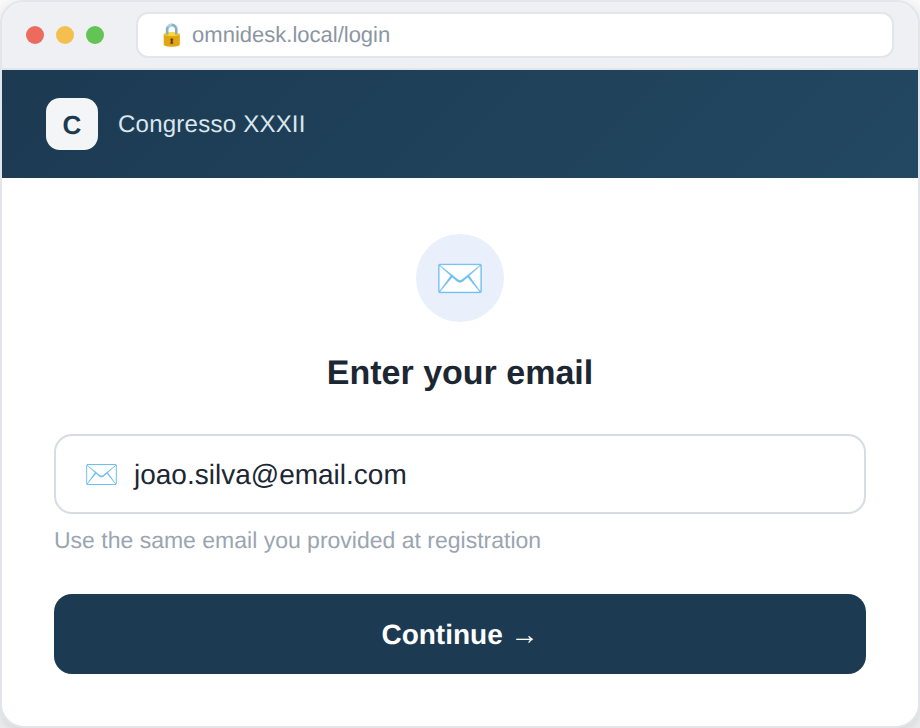
Enter your email
Type the same email address you provided when registering for the event.
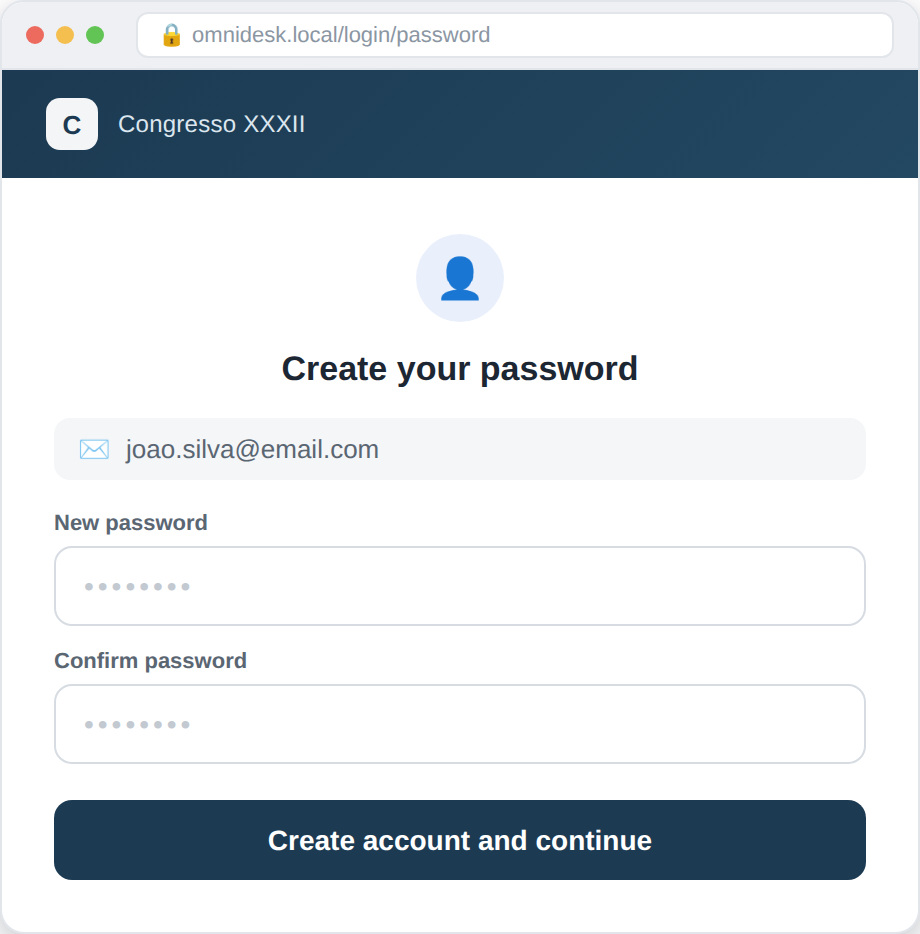
Create a password
Choose an access password. You'll use this same password for all future logins.
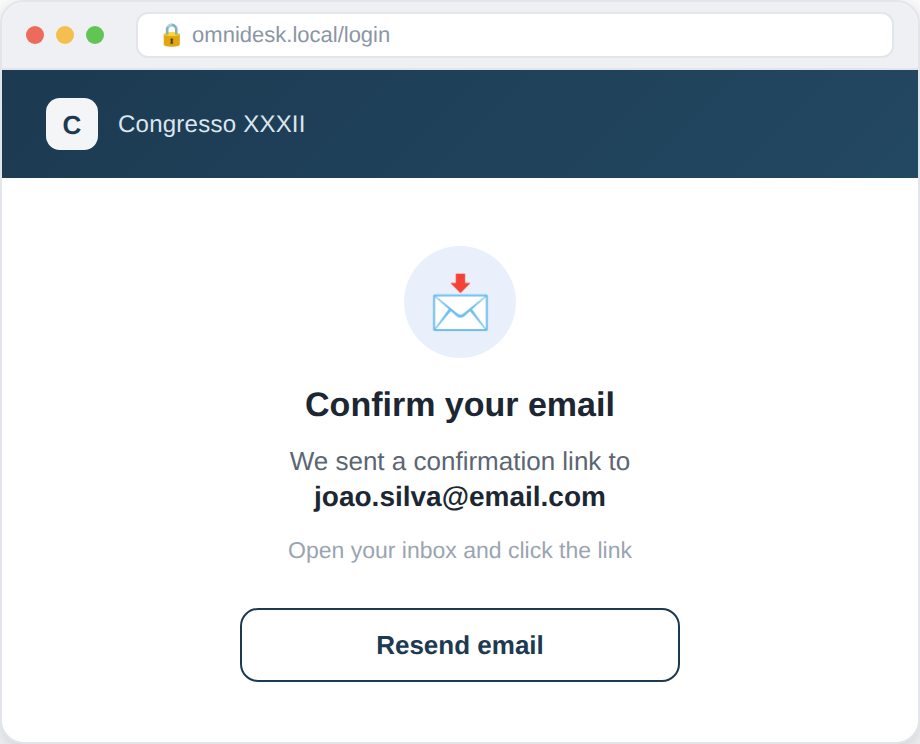
Confirm your email
We've sent a confirmation link to the email you provided. Check your inbox and click the link. If you don't see it, check your spam folder too.
Done
Your access is now active. You can log in with your email and password.
Submitting your presentation
Repeat these steps whenever you need to submit or update a file.
Log in
Return to the portal and sign in with your registered email and password.
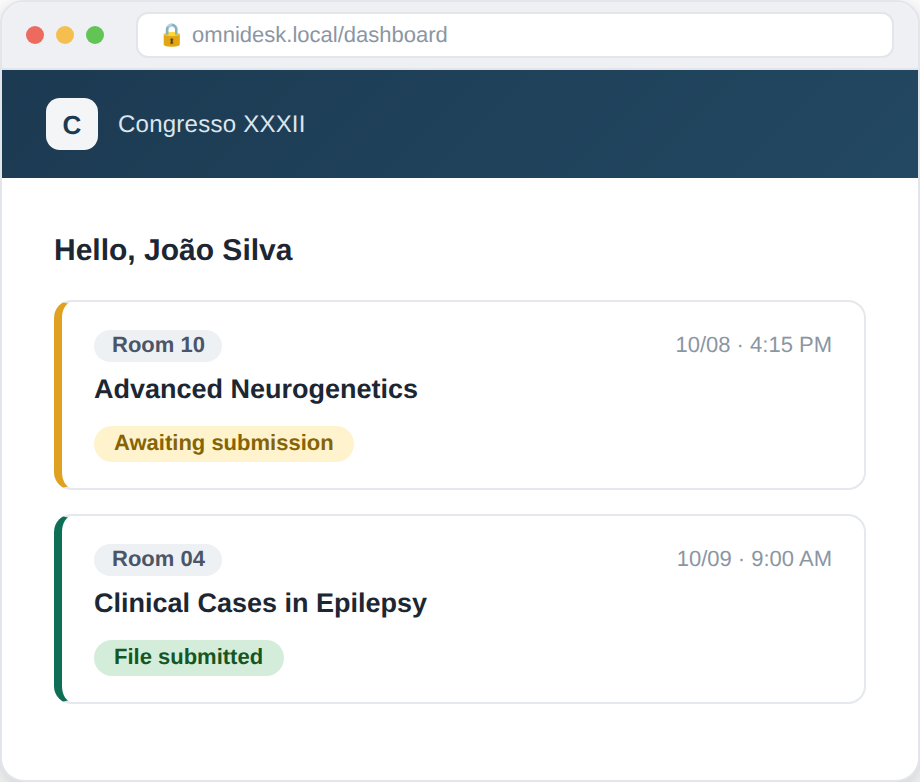
View your presentations
Your dashboard shows the list of presentations linked to your name, along with room, date, and time. Orange border means pending, green means already sent.
Select your file
Click “Submit” on the corresponding presentation and choose the file from your device. Watch the progress bar until confirmation appears.
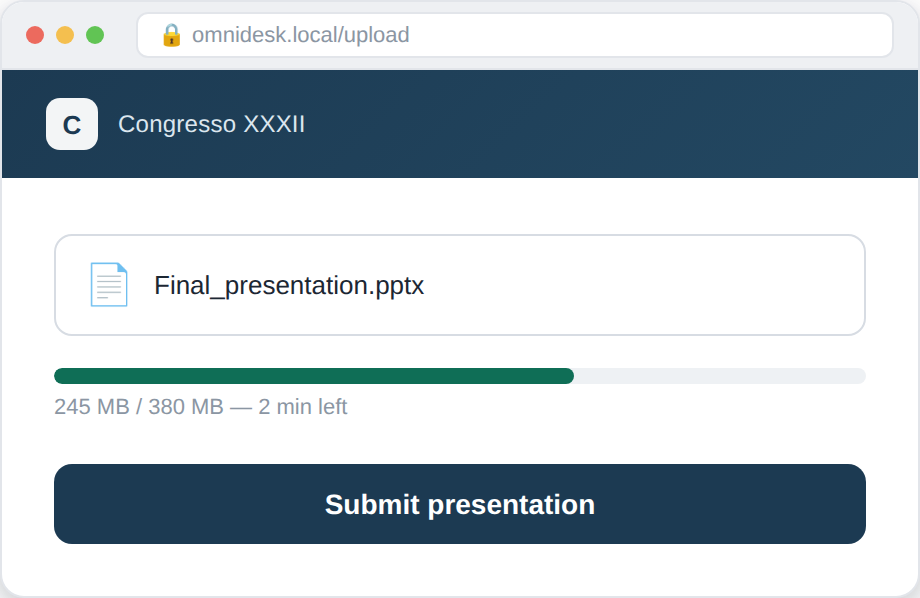
Confirmation
You'll receive a confirmation email, and the status on screen will change to “Sent”.
Frequently asked questions
I forgot my password. What now?
On the login screen, click “Forgot my password” and follow the instructions sent to your email.
Can I submit my presentation more than once?
Yes. A new submission automatically replaces the previous file for the same presentation.
My email isn't recognized by the system
This means it isn't on the event's participant list yet. Contact the event organization to verify your registration.
My file is very large, what should I do?
The system accepts large files, but the upload may take longer depending on your connection. Avoid closing the window during the upload.